About this Skill
Turn any document, report, link or idea into a narrated presentation you can listen to. Pick a look from every SkillsRadar PPT style, get an editable deck with a spoken script for each page, then add voiceover from ElevenLabs or HeyGen. The finished deck plays page by page with speed control and auto-advance, and your last style choice is remembered.
You say
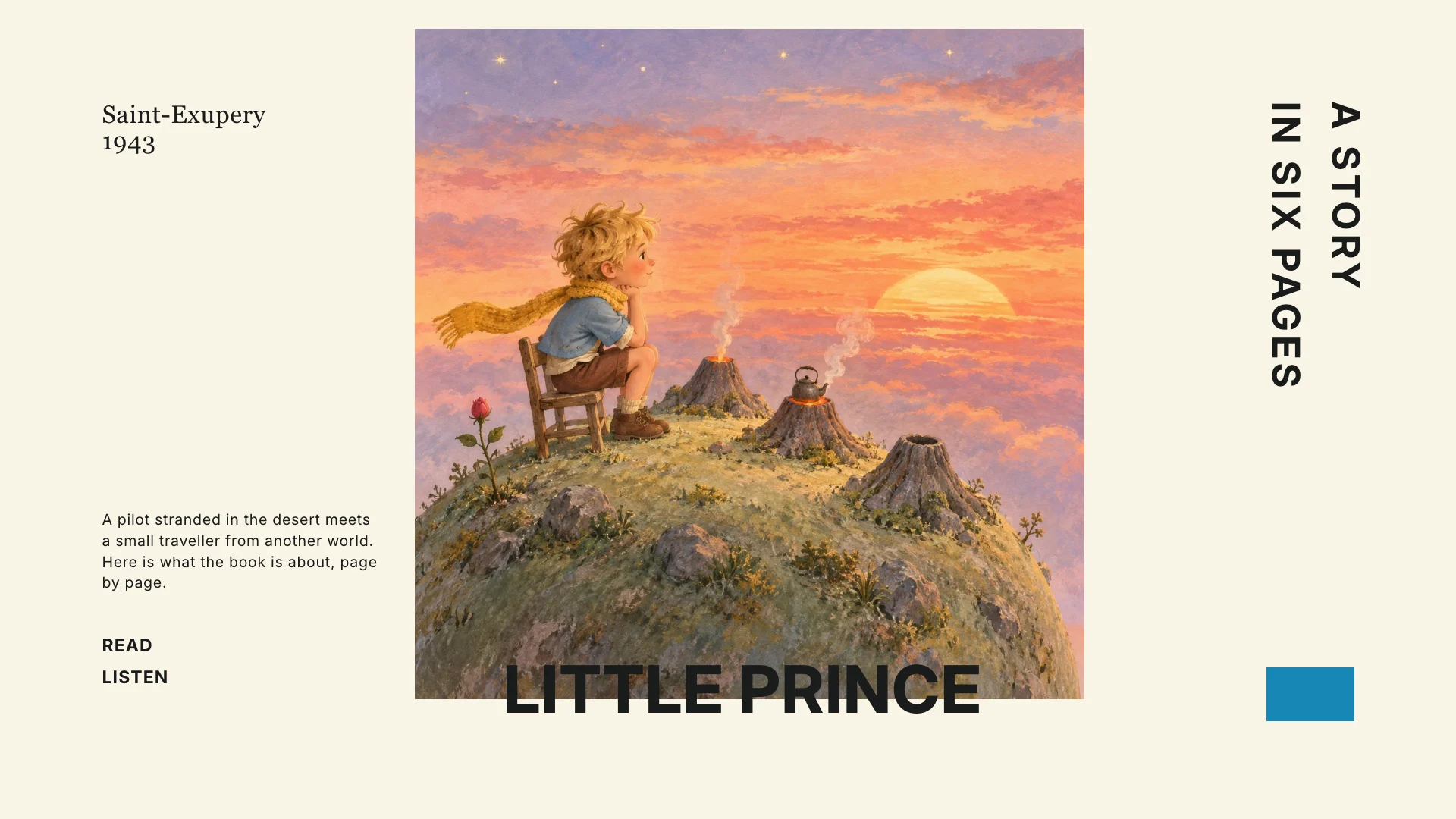
/sr-audio-report-deck Make a narrated deck: what is The Little Prince about?
你將獲得
- An editable presentation in the PPT style you pick from the full SkillsRadar catalog, with your last choice listed first.
- A spoken script for every page, stored as speaker notes you can edit and export with the deck.
- Voiceover from ElevenLabs or HeyGen and a built-in player with play, seek, 0.75–2× speed and auto-advance.
Good fit
- Turning a long report or research document into something you can listen to.
- Teams that share updates and reviews as self-paced narrated decks.
- Creators who want the same material in several languages and voices.
Not for
- Animated explainer videos or motion graphics.
- Live presenting where you speak over the slides yourself.
- Content you cannot share with a voice provider, since narration is sent to ElevenLabs or HeyGen.
開始之前
請提供Source material: a document, report, web link, notes or a topic、Audience, content language and page count和Your choice of PPT style and voice service。
依賴:ElevenLabs API key (ELEVENLABS_API_KEY) or HeyGen API key (HEYGEN_API_KEY) — required for voiceover、SkillsRadar CLI sign-in — required to install the PPT style you choose、Node.js 20 or newer and Python 3 — required、A browser — required to choose a style and play the deck、ffmpeg — optional, makes HeyGen audio files smaller。
Voiceover is billed to your own ElevenLabs account (credits per character) or HeyGen workspace. Pro PPT styles need SkillsRadar access; new artwork, if you ask for it, is billed by the style's image provider.
最近測試:v1.0.1 — Claude Code / Claude Desktop / Cowork / Codex / ChatGPT。
常見問題